Import and check a spreadsheet
A CSV is a spreadsheet file. Upload it, match its columns to lead details, and review errors before saving valid records.
Lead follow-up for local service businesses
Start with a CSV spreadsheet or enter a contact by hand. Rekindle keeps those lead records together, helps you review them, and prepares email for your approval. It works alongside your CRM; it does not connect to or replace it.
Built for roofing, HVAC, plumbing, remodeling, solar, and auto.
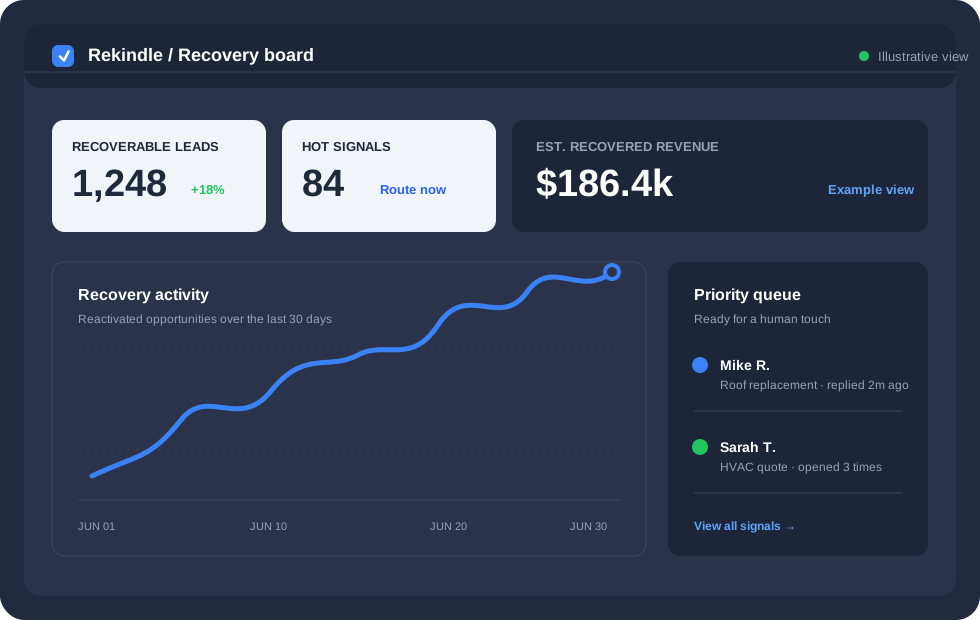
Review lead records in one place, with consent and owner approval before email is sent.
A CSV is a spreadsheet file. Upload it, match its columns to lead details, and review errors before saving valid records.
Review Inactive, Engaged, or High-potential labels based on the details in each record. They are suggestions, not confirmed customer intent.
Record the recipient’s consent, edit the email draft, and approve it before it can be sent.
See replies matched to a lead, unsubscribe requests, and messages Rekindle could not match.
Start with a CSV spreadsheet or enter a contact by hand. Rekindle does not connect to a CRM. Text messages can be drafted, but cannot be sent or tracked.
Upload a CSV file, match its columns to lead details, and review any errors before saving records.
Check the Inactive, Engaged, or High-potential label against the details in each record. A label does not confirm the customer’s intent.
Record consent, edit each email draft, and have the owner approve it before it is sent.
Review replies matched to a lead, unsubscribe requests, and messages that could not be matched.
This table describes each workflow; it does not compare measured results.
| Feature | Manual follow-up | With Rekindle |
|---|---|---|
| Lead records | Keep records across spreadsheets or tabs | Import a spreadsheet or enter leads by hand, then review them in one workspace |
| Lead groups | Sort records by hand or leave them ungrouped | Review Inactive, Engaged, or High-potential labels based on record details |
| Email follow-up | Write follow-up messages separately | Prepare editable drafts after recording consent; the owner approves before sending |
| Reply review | Find messages and match them to leads by hand | Review matched replies, unsubscribe requests, and unmatched messages |
Choose a plan for the work you need. Paid plans show the first-month price and the monthly price after it.
Add leads by hand or from a spreadsheet, then organize and follow up manually.
Use AI to organize leads and prepare email that the owner reviews before sending.
Automatically organize leads, manage approved email follow-up, and review replies.
Use the five-year appointment calendar with owner-approved scheduling.
No. Rekindle does not connect to or replace a CRM. Start by uploading a CSV spreadsheet or entering a contact by hand.
A CSV is a spreadsheet file. Upload it, match its columns to lead details, and review errors before saving valid records. Rekindle groups leads under Inactive, Engaged, or High-potential based on their record details; these labels do not confirm customer intent.
Email drafts require recorded consent and owner approval before sending. Text messages can be drafted, but no plan can send or track them.
Record the recipient’s consent before sending email, include an unsubscribe instruction, and honor unsubscribe requests. Rekindle does not send or track text messages.